For the second year, I’m hosting NCAA basketball tournament brackets on Yahoo! Sports. After over a decade of hosting my own accessible tournament bracket site at terrillthompson.com/ncaa, I made the decision last year to switch to a mainstream site, as explained in my previous blog post. I’ll update this blog post soon with a report […]

Legendary college basketball coaches Roy Williams (North Carolina), Mike Krzyzewski (Duke), Jay Wright (Villanova), and Jim Boeheim (Syracuse) have all recently retired. It’s a new era. If these legends of the game can step away, I feel justified in doing the same. Since 2006, I’ve hosted an annual Accessible NCAA Tournament Bracket. I created the site […]
Categories
Francis and Ruth: A Love Story

Sifting through the many shoeboxes on closet floors in my childhood home in Indiana, I found a few gems, including a black and white class photo. On the back is handwritten “Westwood School 8th Grade Graduation Class 1940”. My dad and mom, Francis and Ruth, are seated in the front row. He’s fourth from the […]
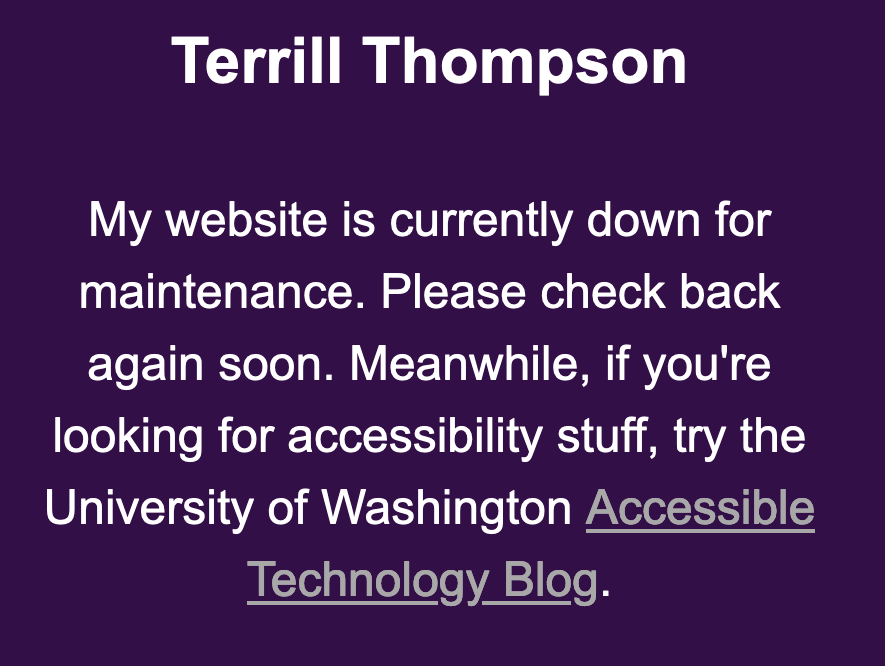
I’m back! This website was hacked, and I’ve been super busy with work and life; too busy to clean up the hackers’ mess and tighten security. During this down time, the site has alternated between an unstyled and unhelpful WordPress error (“There has been a critical error on your website”)… … and a very simple […]
Categories
The Power of Silence, Part 2

With only a few days remaining until Election Day in the United States, things are likely to get really loud, as if they weren’t already loud enough. If you’re like me, occasionally you need to turn down the volume and embrace the silence. I’m hesitant to talk or write about silence since these very words […]